TechTimeGuy Designs Home of PrintPanel™ Smart Displays
PrintPanel™ for Bambu Lab

Install your smart printer display.

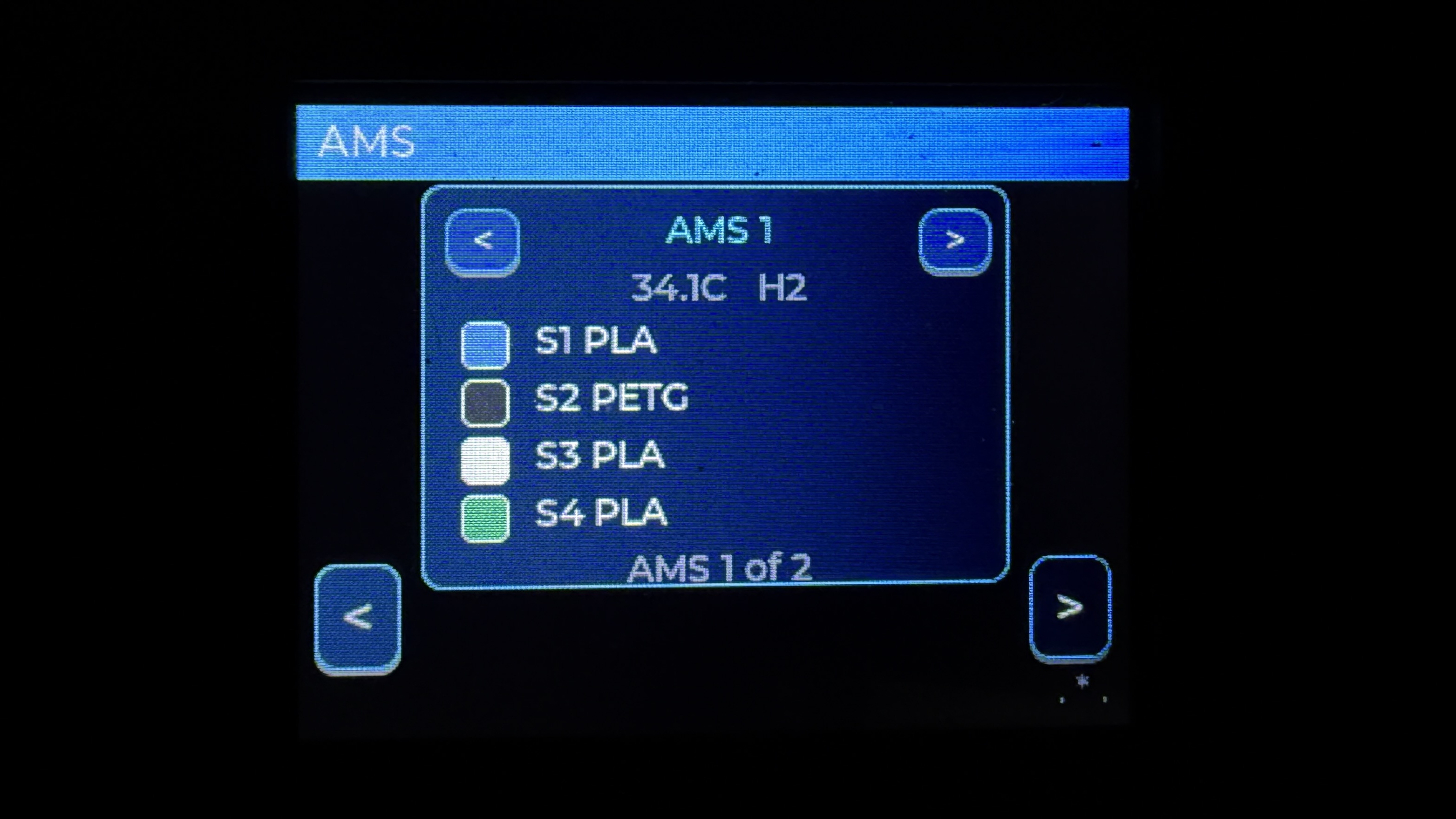
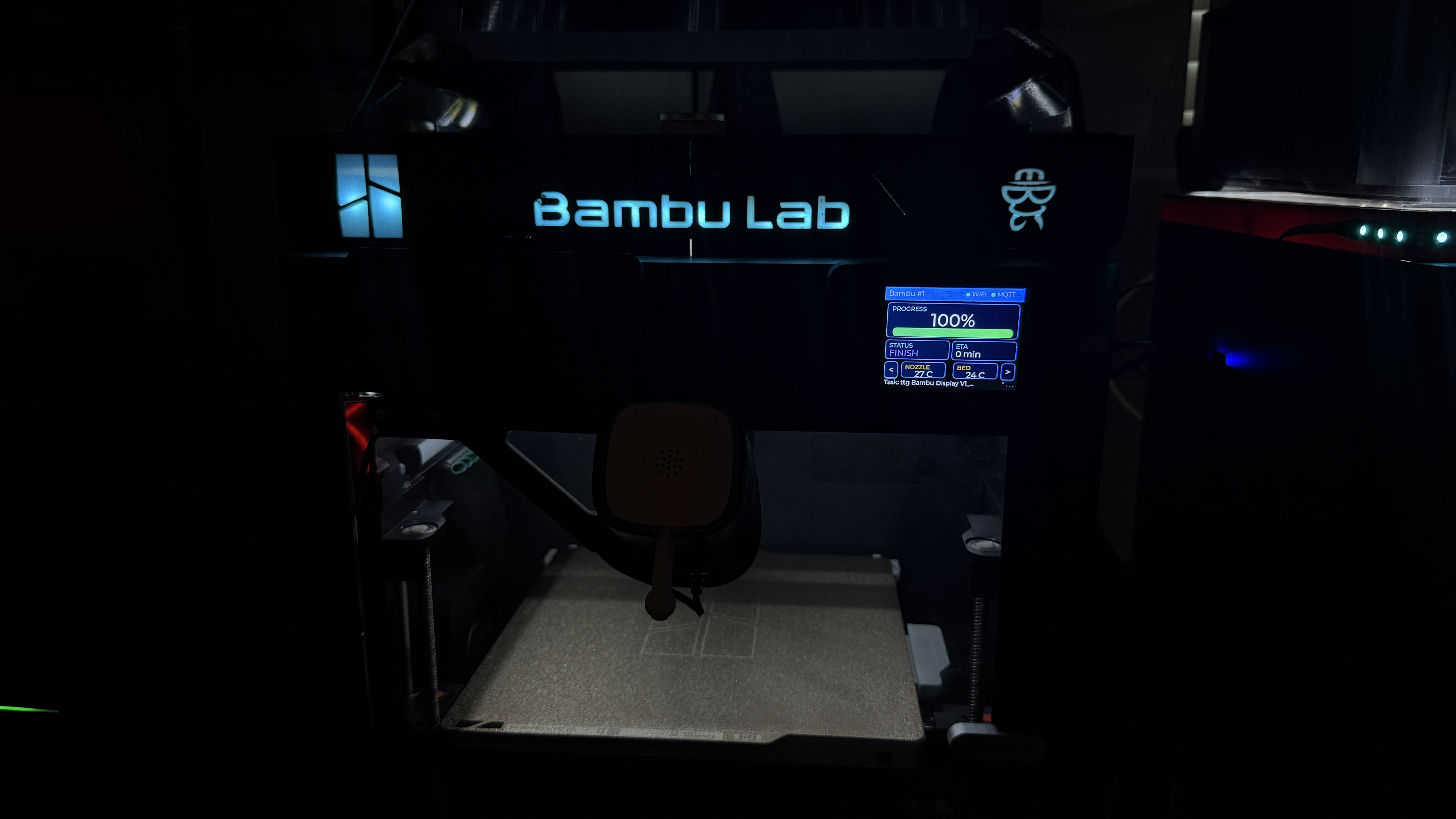
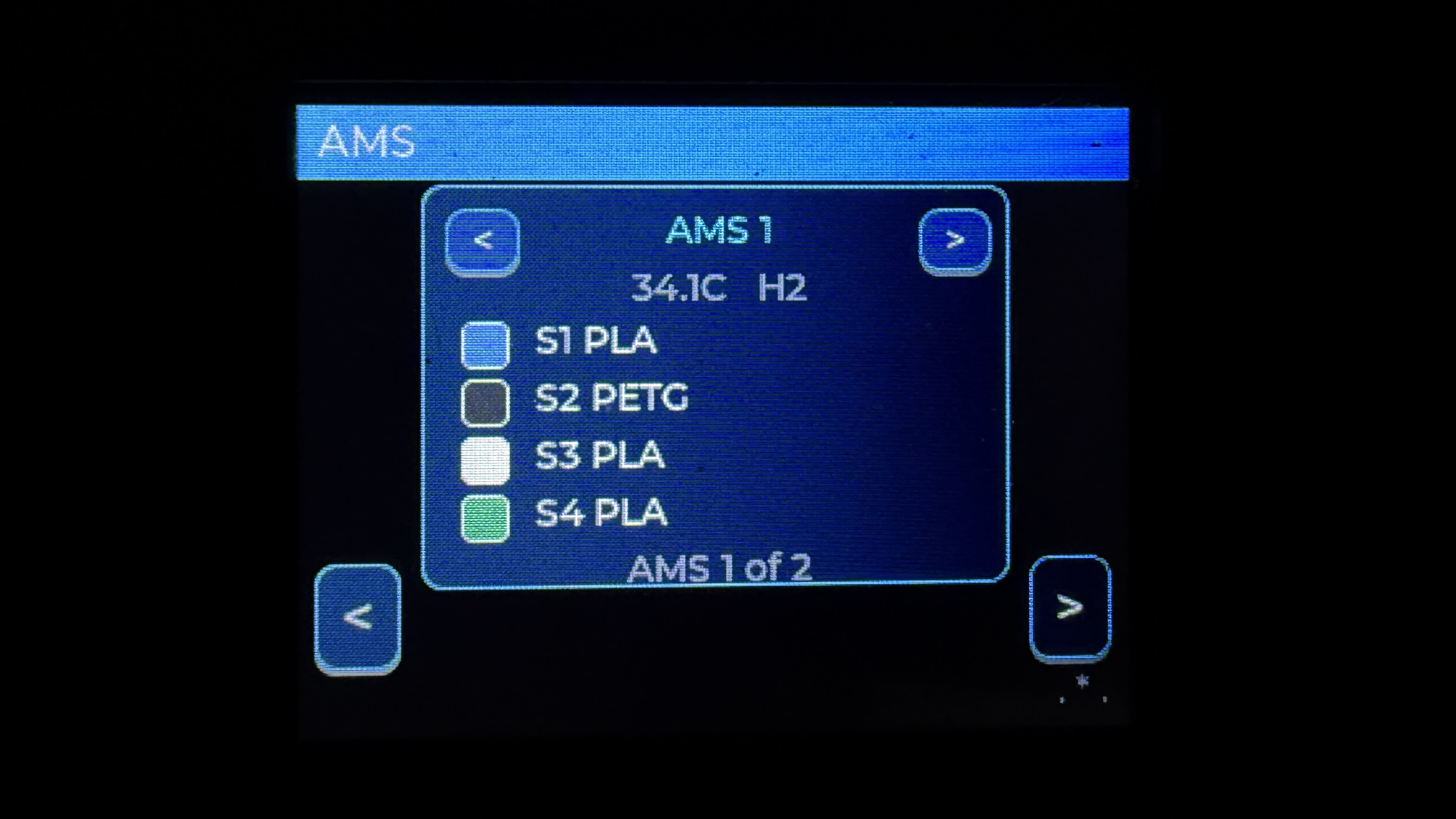
PrintPanel for Bambu Lab is a browser-installable ESP32 CYD companion display for Bambu Lab printers. It shows live print status, progress, ETA, temperatures, AMS slot colors, system tools, and local setup pages.

Firmware V1.0.0 Stable

Flash PrintPanel directly from your browser

Use Chrome or Edge on desktop, plug the ESP32 CYD in with a real USB data cable, then install the firmware in one click.
PrintPanel
ESP32 CYD
V1.0.0
PrintPanel for Bambu Lab preview
Built for the ESP32 CYD touchscreen platform. Current firmware supports Bambu Lab printer monitoring, AMS views, Improv WiFi setup, WiFiManager fallback, and local web configuration.

Before You Start

  • Use Chrome or Edge on desktop.
  • Plug the device in with a real USB data cable.
  • Close any app already using the serial port.
  • Use an ESP32 CYD compatible display.

After Install

The installer will prompt you to Connect to Wi-Fi using Improv over USB Serial. If you skip that, simply come back to this page and the installer will give you the option to Connect to Wi-Fi or even change your Wi-Fi if you need to. Then Just Click Visit Deviceto set up your printer.

Printer Setup

After Wi-Fi is connected, open the device setup page and enter your printer IP, access code, and serial number. The display will then reboot into the dashboard.

Included Features

  • Live print dashboard
  • AMS slot color view
  • Multi-AMS navigation
  • System tools and factory reset

Connection Note

Some Bambu printers may limit simultaneous MQTT clients. If Bambu Studio and multiple displays are connected at the same time, one connection may fail or disconnect.

Included Files

The installer flashes the bootloader, partition table, and main firmware for the ESP32 using the local manifest.json.