TechTimeGuy Designs Home of PrintPanel™ Smart Displays
PrintPanel™ Weather

Install your smart Weather Display.

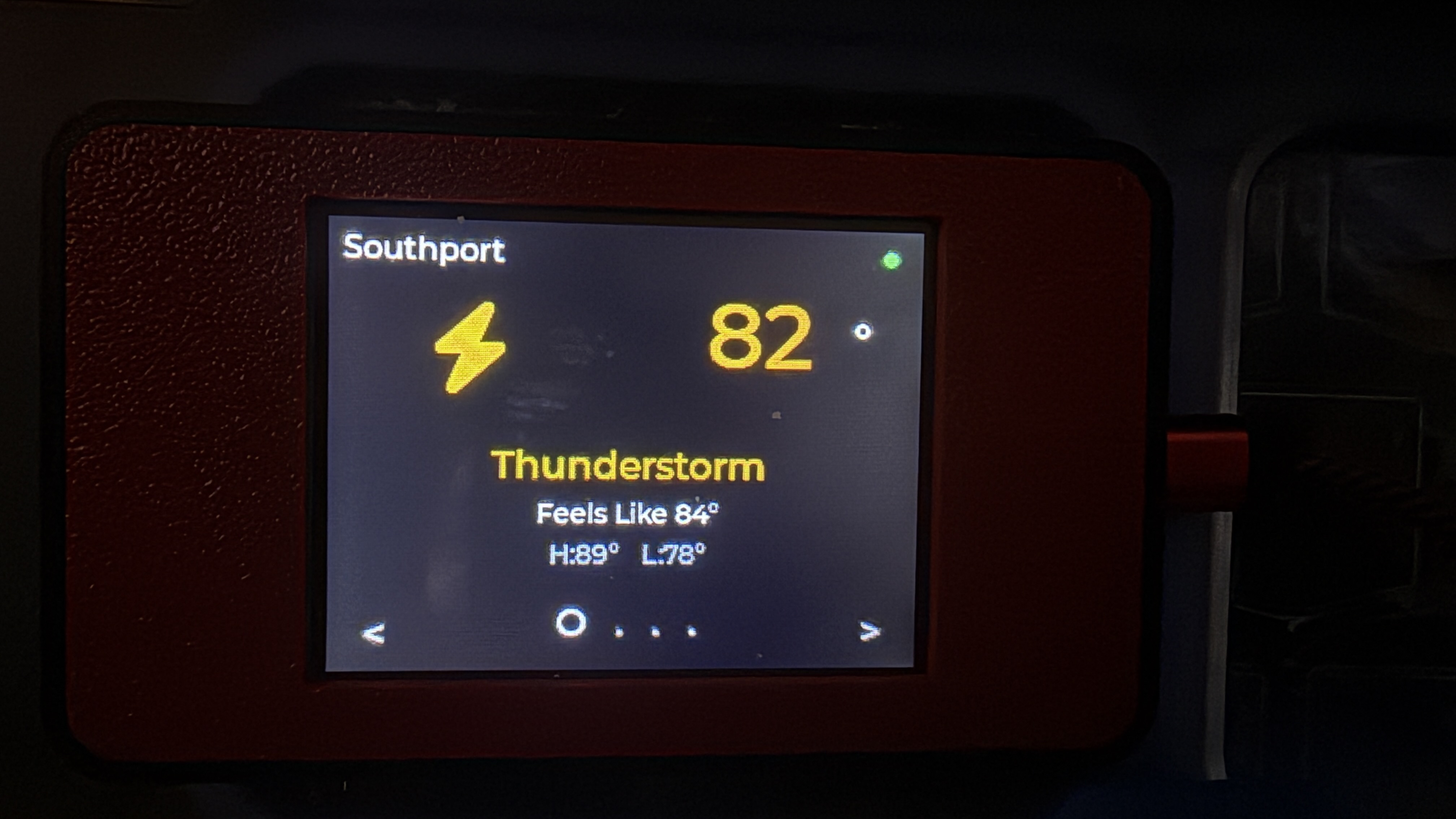
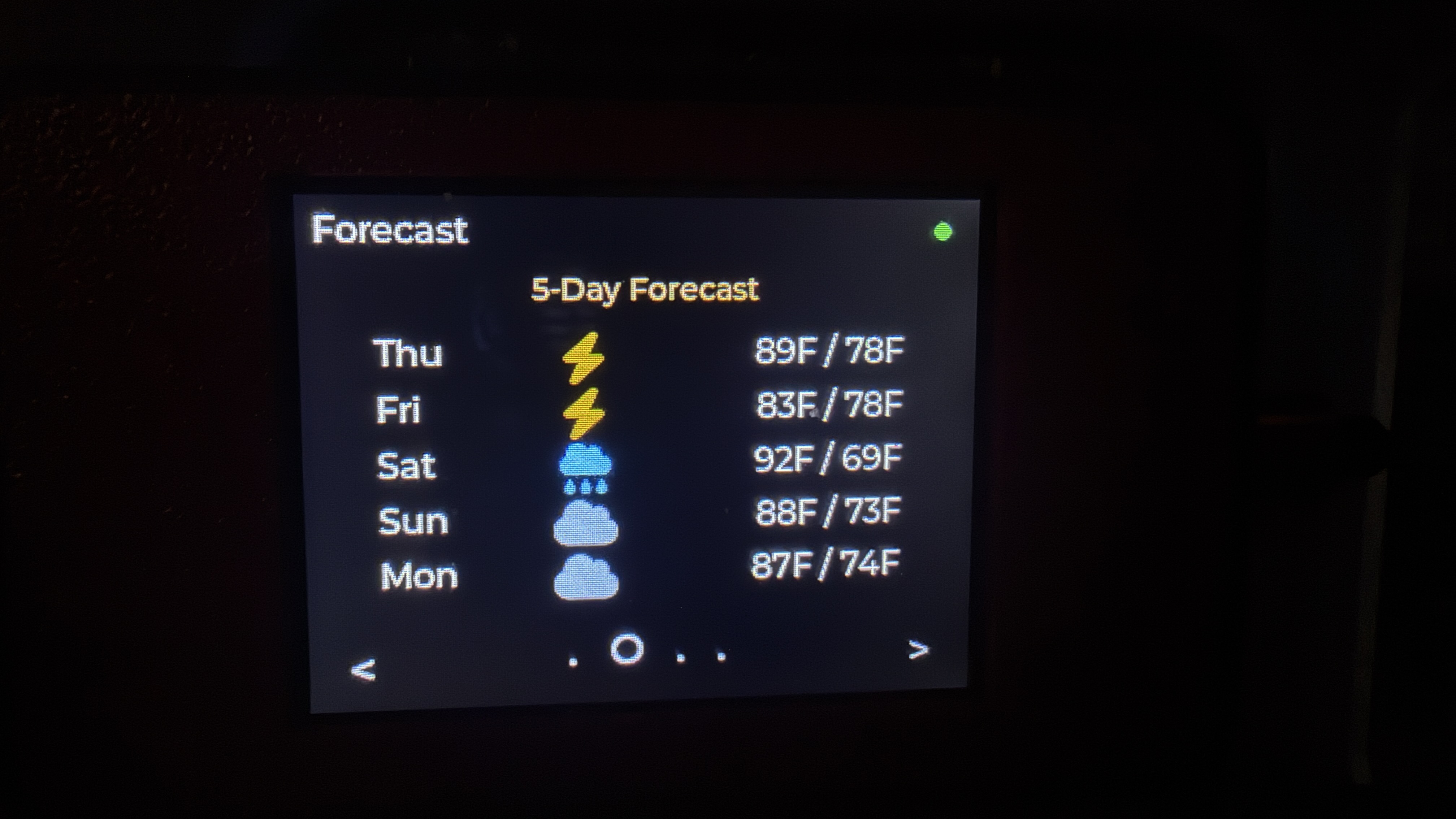
PrintPanel Weather is a browser-installable ESP32 CYD tabletop weather display. It shows current conditions, weather icons, temperature, feels-like temperature, a 5-day forecast, humidity, wind, pressure, UV, rain data, and a local setup page.

Firmware V1.0.0

Flash PrintPanel Weather directly from your browser

Use Chrome or Edge on desktop, plug the ESP32 CYD in with a real USB data cable, then install the firmware in one click.
PrintPanel
ESP32 CYD
V1.0.0
PrintPanel Weather preview
Built for the ESP32 CYD touchscreen platform. PrintPanel Weather uses Open-Meteo, requires no weather API key, supports Improv WiFi setup, WiFiManager fallback, and includes local web configuration for location, units, and refresh interval.

Before You Start

  • Use Chrome or Edge on desktop.
  • Plug the device in with a real USB data cable.
  • Close any app already using the serial port.
  • Use an ESP32 CYD compatible display, such as the 2.8" 320×240 touchscreen model.

After Install

After flashing, choose Connect to Wi-Fi when prompted by the installer. Once the device is online, click Visit Device or open the IP address shown on the display. Enter your city, state, ZIP code, or place name, choose Fahrenheit or Celsius, and save.

Weather Setup

No API key is needed. Open the local setup page and enter a location such as Southport, NC or 28461. The display will fetch weather data from Open-Meteo.

Included Features

  • Current conditions dashboard
  • Weather icon font graphics
  • 5-day forecast page
  • Details page with humidity, wind, pressure, UV, and rain
  • Local config page with IP address
  • Five persistent color themes selectable on the device
  • Cached weather display with automatic WiFi recovery
  • Open-Meteo weather source with no API key required

Location Note

You can use a city and state, ZIP code, or place name. If the display cannot resolve the location, reopen the local setup page and try a more specific location.

Included Files

The installer flashes the bootloader, partition table, and main firmware for the ESP32 using the versioned local installer manifest.